Syncora
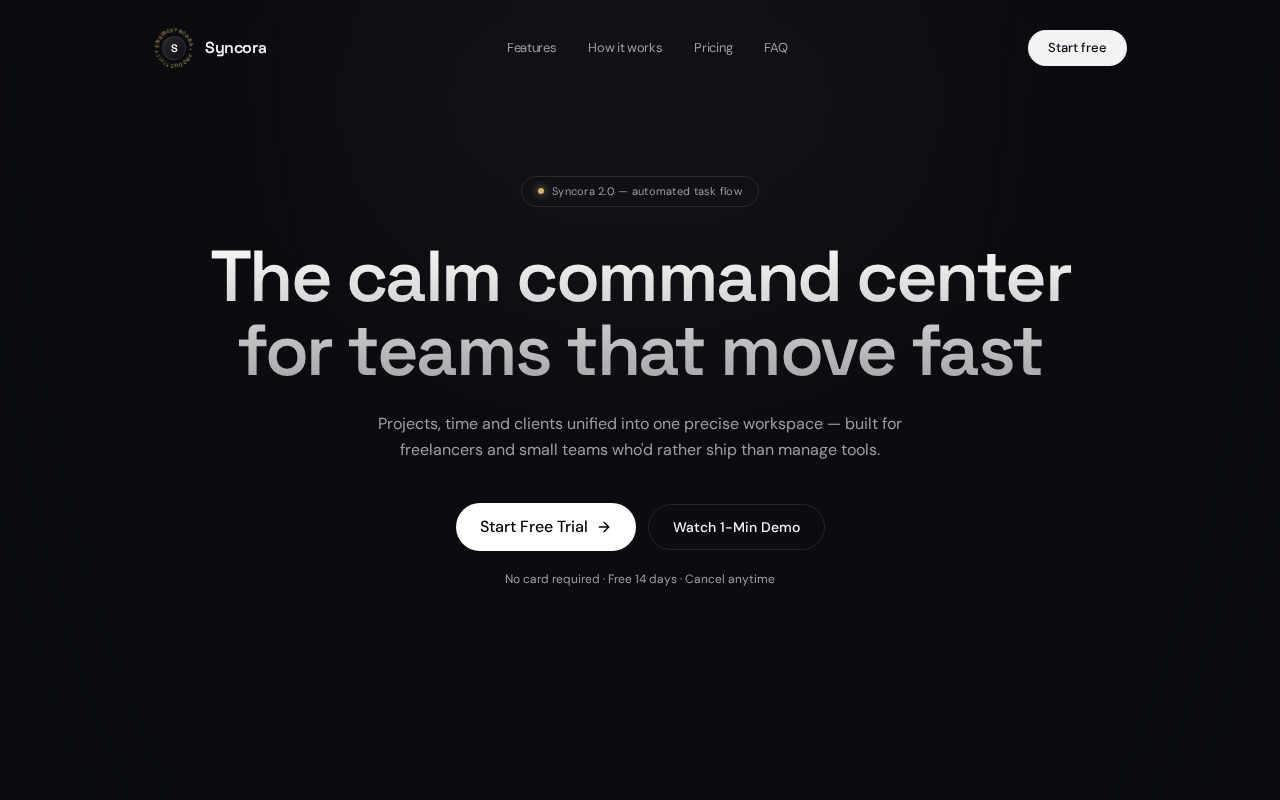
Productivity web application for small teams and freelancers: tasks, tracking and focused workflow.
- Client
- Syncora — productivity tool
- Role
- Web developer & UI/UX designer
- Timeline
- 5 weeks
- Year
- 2026
Device · 390 × 844Idle
Syncora — responsive buildOpen ↗
Some hosts block embedding. If the frame stays blank, open the site directly.
01
Overview
A state-heavy productivity application built for freelancers and small teams — projects, tasks, statuses and progress views that stay fast as the workspace grows.
02
The problem
Freelancers juggle client work across notes apps, chats and spreadsheets. Existing tools are either too heavy for a two-person team or too shallow to track real delivery.
03
Approach
- 01Designed a compact information architecture: workspace → project → task, with statuses that map to how freelance work actually moves.
- 02Centralised application state so task edits reflect instantly across board, list and summary views.
- 03Built keyboard-friendly interactions for the actions used dozens of times a day.
- 04Kept the interface dense but calm — high contrast, monospace metadata, no decorative chrome.
04
Strategy & UX decisions
- Information architecture kept to workspace → project → task so the mental model survives a growing workspace.
- Central state with narrow component subscriptions keeps board, list and summary views instantly consistent.
- Dense but calm interface: high contrast, monospace metadata, keyboard paths for the actions used dozens of times daily.
05
Challenges
- Keeping renders cheap as task counts grew — solved with memoised selectors and narrow component subscriptions.
- Designing status semantics that are opinionated enough to be useful without becoming a rigid process.
- Making a multi-view application usable on a phone without hiding half the functionality.
06
Learnings
- →Application UX lives or dies on state architecture decided in week one.
- →For daily-use tools, keyboard paths matter more than onboarding polish.
- →Constraining scope to freelancers made every product decision easier.
07
Tech & tooling
- React
- TypeScript
- Tailwind CSS
- Central state store
- Memoised selectors
- Responsive app shell
08
Outcome
- Freelance delivery tracked in one place instead of four apps.
- Interface stays responsive with large task volumes.
- Component patterns reused across later client tools.
Next case study · Ref 005
midejewelries